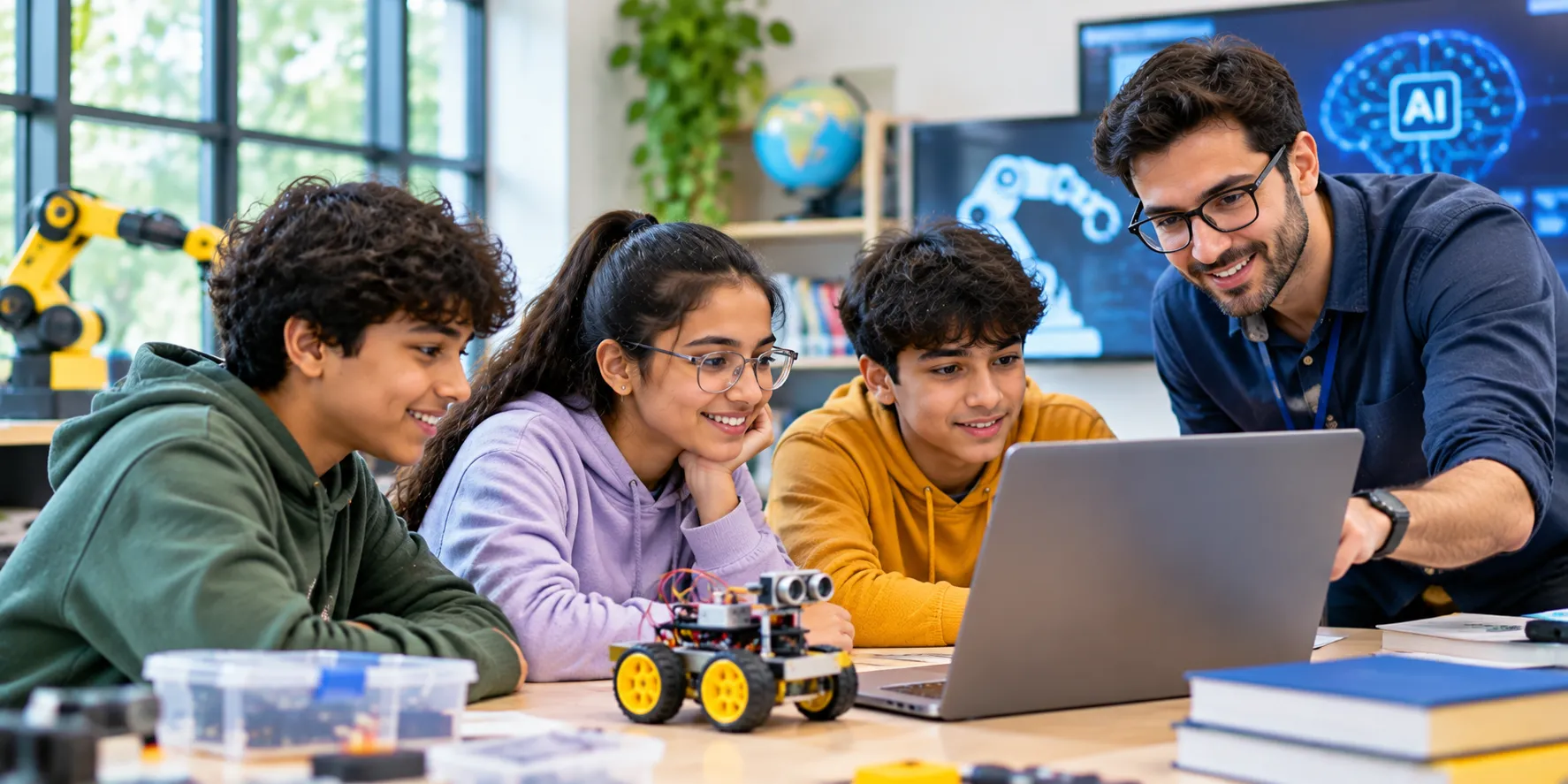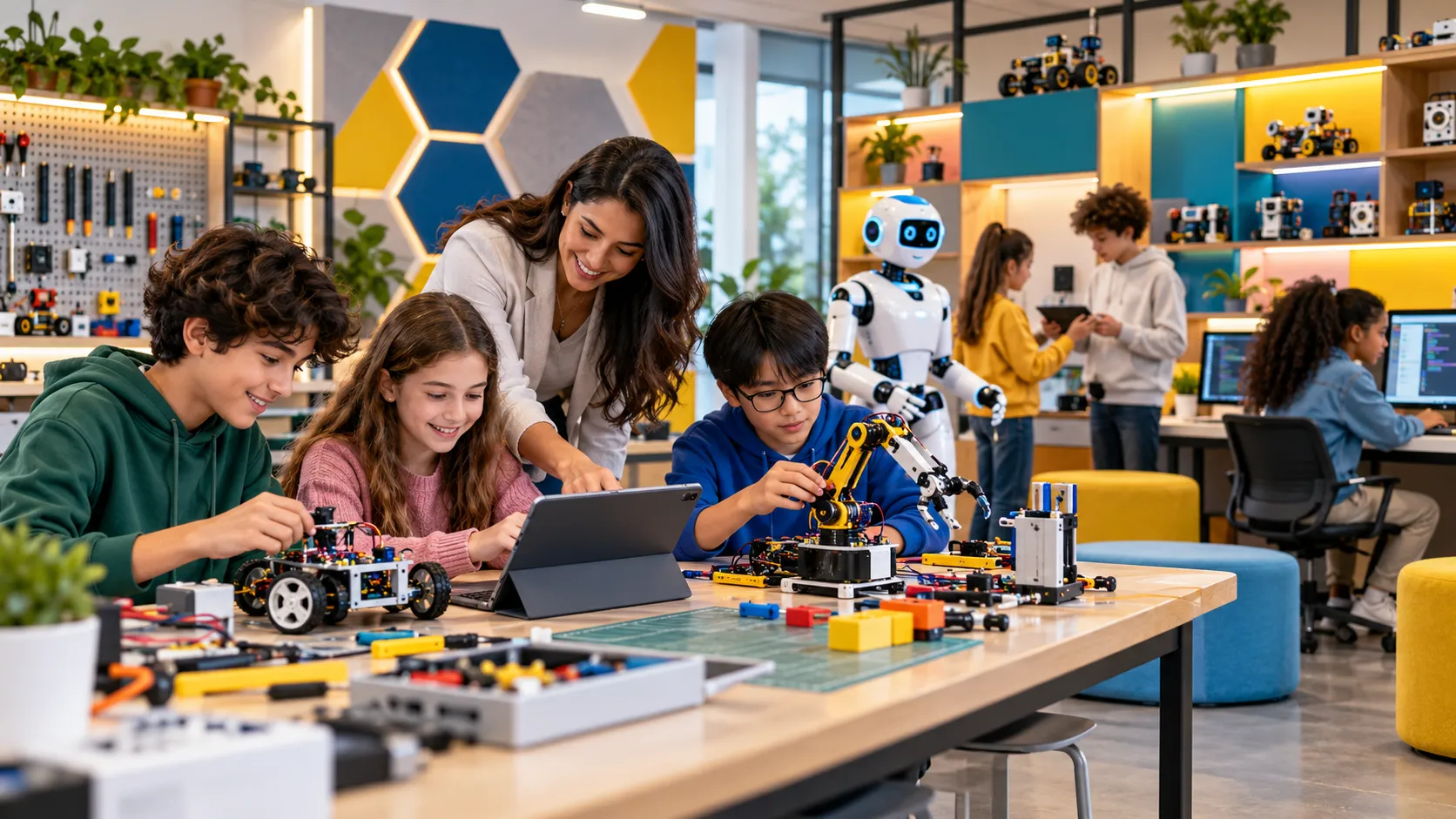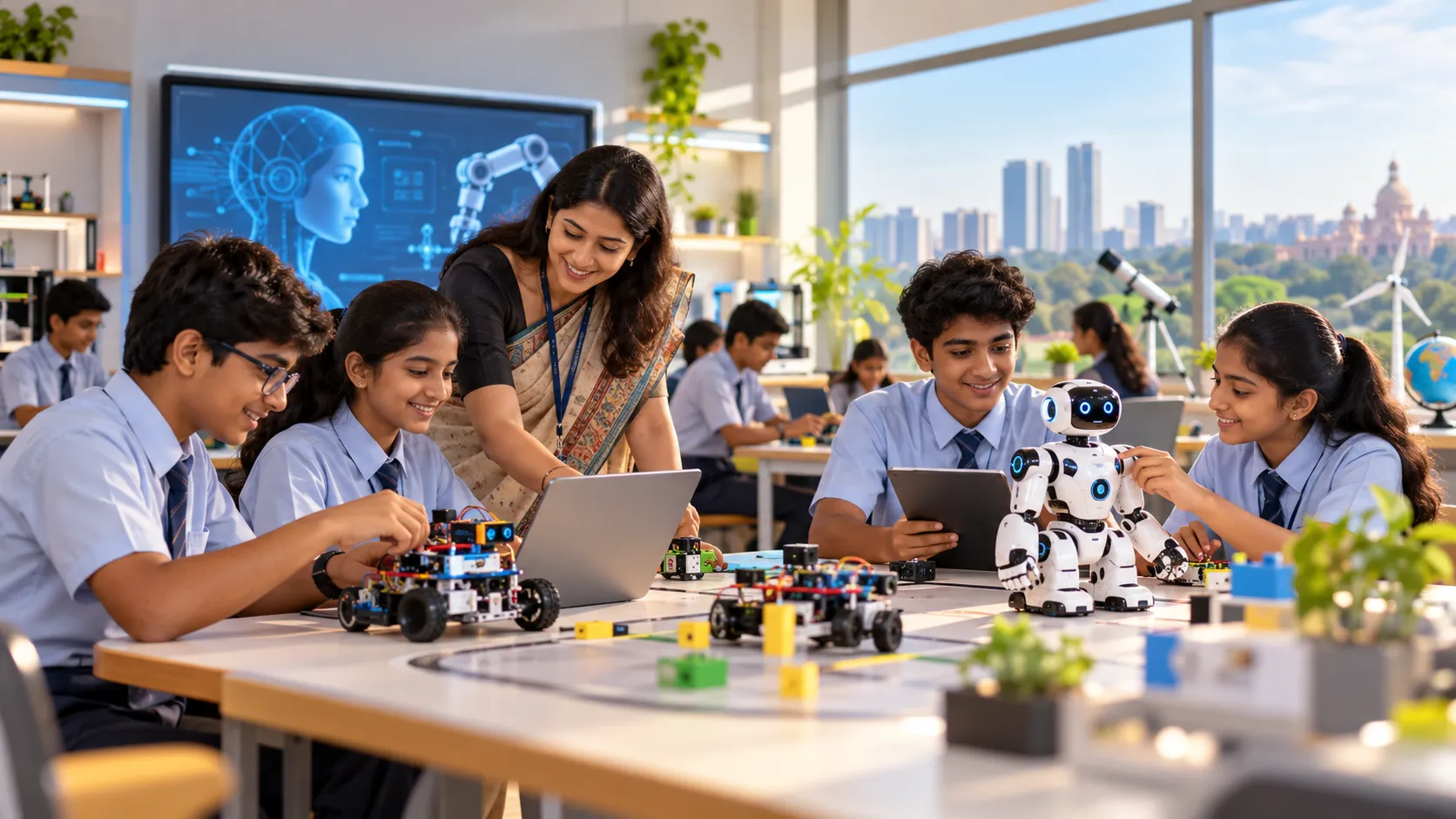


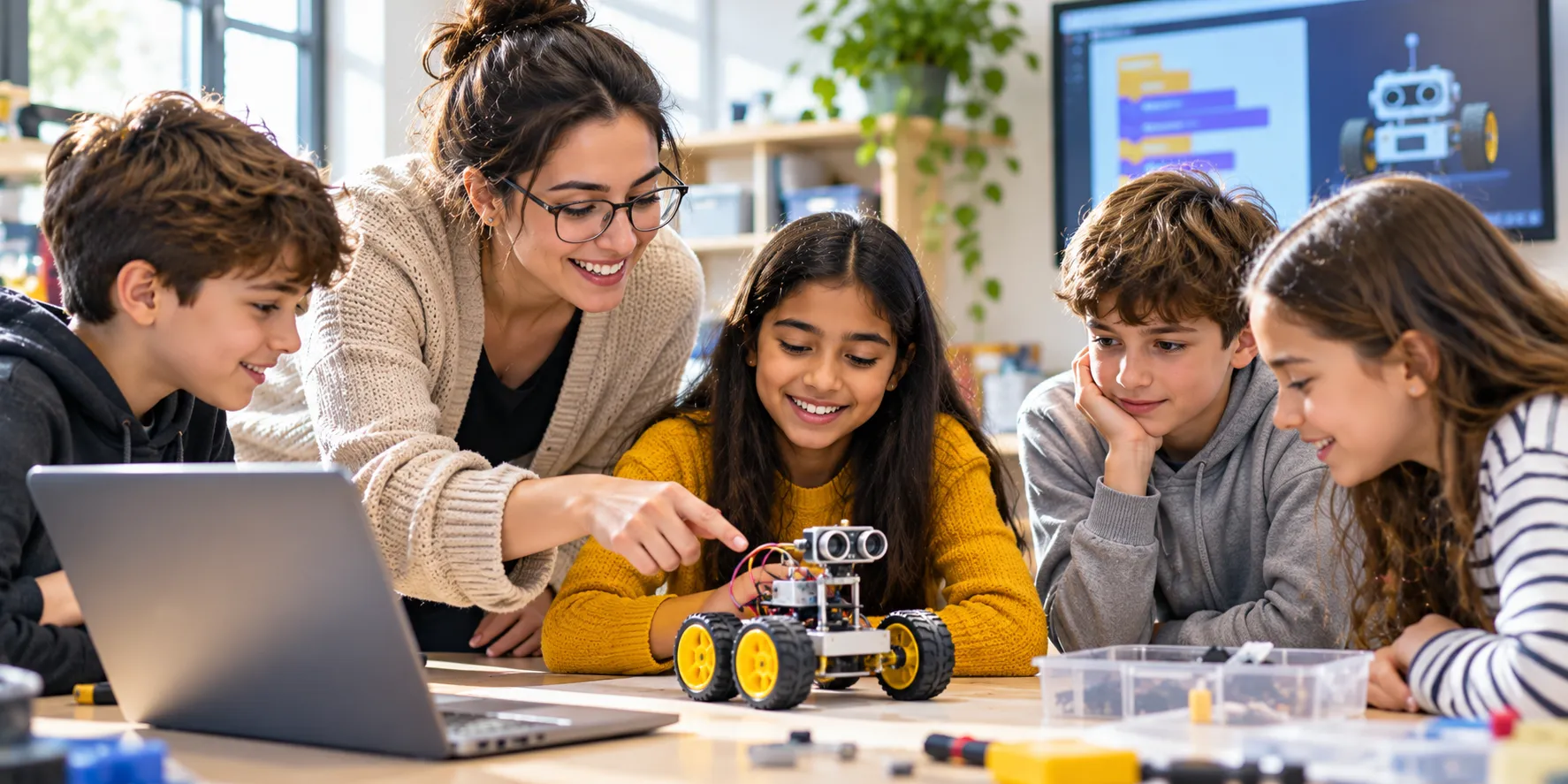
A student does not need to know how to code before meeting a robot. What helps is a good order of steps. Students plan a move on paper, build it from blocks and then watch a robot try it.
Each step in a robotics curriculum for schools should be small enough to finish in one lesson. A class that finishes something every week wants to come back the next.
Do Students Need Any Coding Skill Before Robotics?
No. Block coding does the typing for them. Students drag instructions into a line and read what the robot will do. Scratch Jr suits the youngest students, and Scratch suits older beginners.
Two habits matter more than any code. Students should be able to follow steps in order and say what comes next. A teacher can check both with a card game. Each student writes the steps for drawing a house, and a partner follows them exactly.
Mistakes belong in the plan. A block in the wrong place shows up in the robot's movement. The student can fix it in seconds and run it again.
Which Skills From Other Lessons Carry Over?
Students bring more to robotics than they think. Maths gives them counting, angles and distance. A robot that must turn needs an angle, and students already measure angles with a protractor. A robot that must move needs a number of steps, which students already count on a number line.
English gives them clear instructions. A student who can write a recipe in order can write a program in order. Science gives them the habit of predicting, testing and noting what happened. A teacher can name each link out loud, so students see that robotics uses what they already know.
What Does a Four-Week Start Look Like?
Lesson designers often use a path called use, modify, create. Lytle and colleagues compared that path with a plan where students wrote code from the second day. The groups differed in how hard the work felt. They also differed in how much students felt each project was theirs.
A school can lay the path over four weeks of robot lessons:
| Week | Stage | What Students Do | What the Teacher Checks |
| 1 | Use | Run a ready-made program on a robot and describe what happened | Every student can say what each block did |
| 2 | Modify | Change one block, predict the result, then test it | Predictions come before the test, not after |
| 3 | Modify | Swap two blocks and add a repeat | Students explain why the order matters |
| 4 | Create | Program the robot to stop before a line of tape | Each pair explains its program to another pair |
The first two weeks can run on a screen. Hardware joins in week three, when students already know what their blocks mean.
Why Should Students Plan Before They Press Run?
Beginners reach for the keyboard first. A study of 29 students aged 9 and 10 compared that habit with a short wait. Groups with free screen access spent about 22 of their first 30 minutes writing and testing code.
Groups whose screen stayed blocked for ten minutes did differently. About 12 of those 30 minutes went on the problem and on shaping ideas. All 15 of their students began with the problem.
The students had used the robot for about 12 weeks, and the sample was small. A first-week class can still borrow the habit. Give each pair a card with three boxes. The boxes read: what the robot must do, what we will try, what we expect to see. Ten minutes on the card come before the screen opens.
Which Tools Suit the First Lessons?
A robotics curriculum for schools can keep its toolset small at first. Visual coding comes first. A student sees the logic as blocks, with no spelling errors to chase. A small programmable board comes next. It adds buttons, lights and sensors in one unit, and the micro:bit is a common first board.
Projects then grow. Arduino Uno has more pins for outside sensors, and ESP32 and NodeMCU boards add Wi-Fi to a build. Our robotics work at Cyber Square draws on four boards: micro:bit, Arduino Uno, ESP32 and NodeMCU.
When Do Students Move From Blocks to Text?
Move when a student asks for something the blocks do not offer. Someone who wants a longer list or a faster loop is ready to see the idea written out.
That readiness arrives at different times. A review of 95 robotics education studies lists steep learning curves among the common problems for novices. Its authors suggest three stages: onboarding, integration and systems.
A school can borrow that shape. Blocks alone fill the first term. Blocks with a board fill the next. Python follows for students who ask. In our Grades 5 to 8 builds on Arduino at Cyber Square, students can choose block coding or Python.
Where Should the Robots Run?
A taped lane on the floor turns a loose build into a clear task. Students can see where the robot starts, where it should stop and how far it missed.
Mark one lane for each pair, with a start line and a finish line. The week-four challenge of stopping before a line of tape then needs no extra equipment. Keep the lanes clear of bags and chairs. A robot that bumps a table tells the student nothing about the code.
Lanes also make sharing simple. Pairs take turns, and the next pair watches the run and predicts the result.
What Can Wait Until Later?
Some parts of robotics can wait. Wiring a circuit from bare parts can wait until students trust their code. Competitions can wait until a pair has finished three builds. Text syntax can wait until blocks feel easy.
Waiting keeps early lessons on one new thing at a time. On one day, a student may meet a new tool, a new idea and a new rule. That is three things to hold at once.
Where Does Robotics Fit in the Week?
A weekly slot of about an hour suits a first term best. The first ten minutes go to the planning card. The next thirty go to building and testing. The last twenty go to showing the result and packing the kits away.
A shorter period can still work. A school with 35-minute periods can pair two of them into a double period every second week. Students then keep the plan, build and share steps in one sitting. Label each kit box in week one. Packing away then takes about five minutes in either format, and lost parts are easy to spot.
What if the Teacher Has No Robotics Background Either?
Many teachers meet robotics for the first time beside their students. That works when the lessons are written for them. Our robotics lessons are designed for teachers without an engineering background, and a guide walks them through each build.
Training starts before the first class. We run sessions away from school that take teachers through the engineering side. Training continues as new kits arrive, and short videos support the harder builds.
Built-in Smart AI Teacher tools support teachers too. They include an AI chatbot and AI code and question generators.
How Does a Teacher See Who Is Stuck?
A beginner often stays silent while stuck. Progress tracking in our AI Cloud Lab shows which part of a build a student is struggling with. The teacher can walk to that desk first.
Assignments are marked automatically, which leaves lesson time for helping.
How Can a Teacher Tell the First Month Worked?
Three quick checks are enough at the end of week four. Ask each student to read a short program aloud and say what the robot will do. Ask each to predict the result of one changed block. Ask each to find and fix one mistake in a program that nearly works.
A student who passes all three is ready for sensors. A student who passes two is close, and a short repeat of week three will help. The checks take one lesson. They show where each pair stands before the next plan is set.
What Comes After the First Month?
Month two adds a sensor. A clap-activated switch makes a good first project, because students hear the cause and see the effect at once.
Later builds raise the bar one step at a time. A parking-assist system comes next, then a wearable that monitors heart rate. Smart glasses for the visually impaired give students a build with a clear purpose.
A robotics curriculum for schools gains from a plan for month two before month one ends. Students who finish week four with a working program are ready to ask what else the robot could notice.
What Does Cyber Square's Robotics Curriculum Include?
Our robotics curriculum for schools at Cyber Square has these parts:
- Lesson plans: build by build, for every grade
- Timetable fit: presentations that slot into an existing timetable
- Teacher certification: UK certification for continuing professional development
- Help desk: a line by phone or WhatsApp, day or night
Robotics is taught as a full-year subject, supported by lesson plans and marking.
Get a First-Month Robotics Plan for Your Class
Tell us your grades and whether any student has coded before, and we will map your first month. It will follow Cyber Square's robotics curriculum for schools, from the first ready-made program to the first build.