

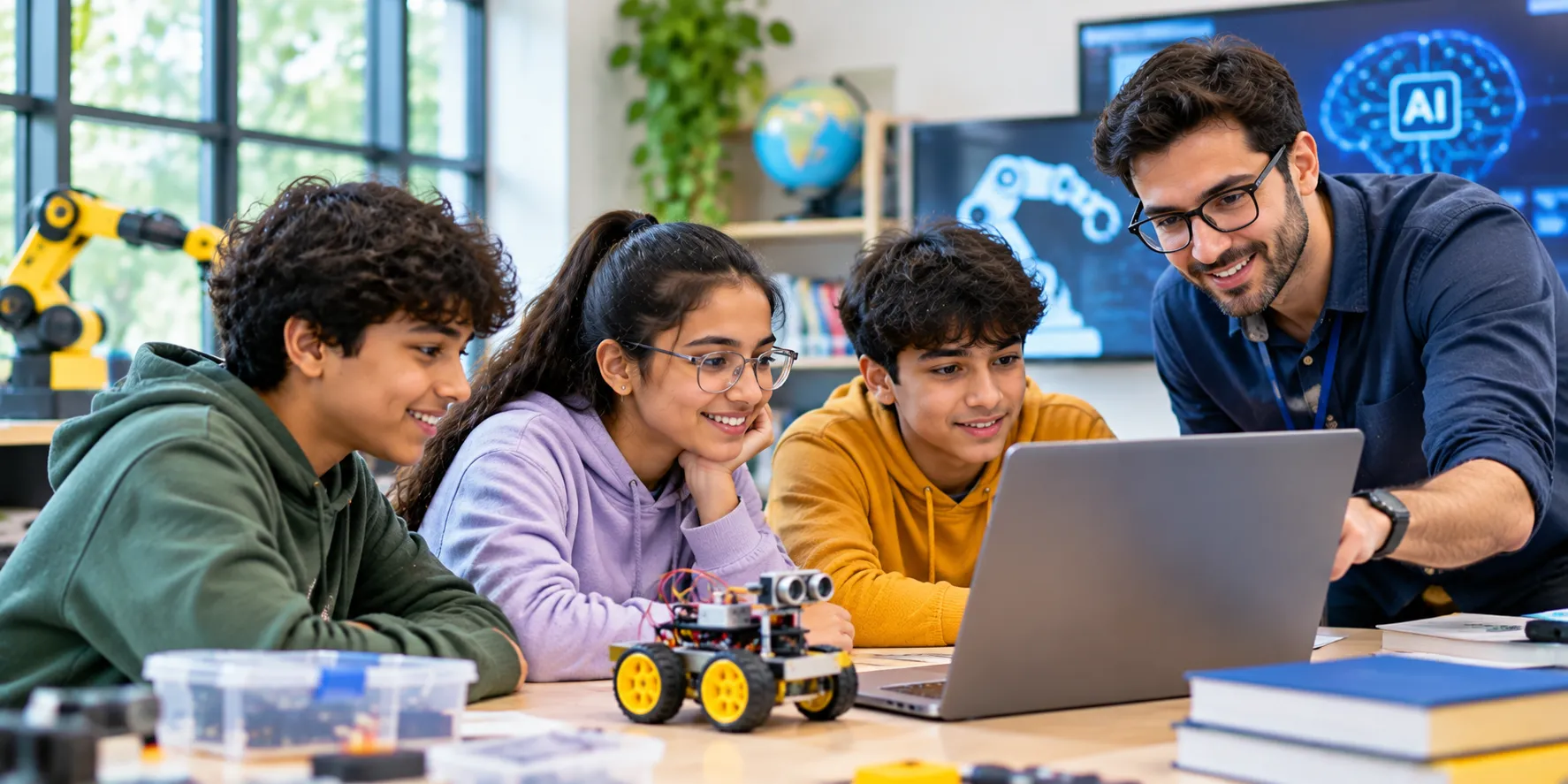
Evidence for an AI & robotics platform for schools comes from an ordinary week in an ordinary class. A demo shows what a platform can do. A pilot shows what it does with real students, a real timetable and a teacher who has not rehearsed.
Four jobs decide the result for any AI & robotics platform for schools:
- Safety: keeping students protected
- Thinking: keeping students working things out
- Visibility: showing adults what happened
- Fit: working on school machines and in school hours
Which Safety Questions Come First?
England's Department for Education updated its generative AI product safety standards on 19 January 2026. The standards cover 13 areas. The questions carry over to any AI & robotics platform for schools with an AI helper inside. Eight areas shape most days in a class:
| Area | Plain Question for a Provider | Quick Way to Test |
| Stated purpose | Which ages and uses is the platform built for? | Ask for the grade list in writing |
| Filtering | What can a student make the AI helper produce? | Type five off-topic requests and read the replies |
| Monitoring and reporting | Who is alerted when a student types something worrying? | Ask for the alert path, step by step |
| Privacy and data protection | Does student work train the AI, and where is the data held? | Request the data statement before the trial |
| Cognitive development | Does the helper give hints or hand over answers? | Give it a task and note what comes back |
| Emotional and social development | Does it behave like a tool and not a friend? | Read ten replies for personal or flattering language |
| Manipulation | Do ads, streaks or nudges keep students online? | Click through one full session as a student |
| Governance | Who answers for safety, and where do complaints go? | Find the named contact and the published policy |
The other five areas are security, intellectual property, design testing, mental health and educational use cases. A short written reply from the provider covers them.
Does the AI Helper Give Hints or Answers?
Hints keep students thinking, and finished programs end the thinking. Test it in three steps:
- Give the helper a task from the current unit
- Note whether it returns a hint, a question, a worked step or a full answer
- Repeat the task three times, since replies can differ between attempts
Robotics offers the same test. A strong lesson asks a student to predict what the robot will do before pressing run. A kit that moves on its own cannot supply that prediction. A strong AI & robotics platform for schools builds the prediction into the lesson.
A useful habit is to ask the teacher one question after the lesson. Did students guess first, or watch first? Guessing first is the sign of real thinking.
Machines, Logins and Languages
An AI & robotics platform for schools that copes on the weakest machine copes everywhere. The IT lead needs three answers:
- Browser: does it open without an install?
- Sign-in: does each student have an individual login? A shared login erases each student's history, so reports show only the group
- Languages: block coding for younger students, and text languages plus a database for older ones
- Boards: a programmable board links the screen to the real world, so students see code act on something
One platform covering all of these spares a school a pile of separate accounts.
A Scorecard Written Before Day One
Pass marks agreed in advance keep a trial of an AI & robotics platform for schools honest. The head of computing signs one sheet before the first lesson, and the review meeting uses it:
| Measure | Example Pass Mark | Recorded By |
| Time from login to first task | Under 10 minutes | Teacher, with a stopwatch |
| Wait for feedback after submitting | Under 1 minute | Teacher |
| Students needing help to sign in | No more than 2 per class | Teacher |
| Lesson plan followed without extra notes | Yes, for every lesson in the unit | Head of computing |
| Kit from box to first working run | Under 15 minutes for a pair | Teacher |
| Parts found again at pack-away | Every part counted | Students, with a checklist |
| Report shows who is behind and on which topic | Yes, without a call to the provider | Principal |
Teachers and admins can view live progress reports in the Cyber Square Mobile App. They can also evaluate submissions while walking around the classroom.
The numbers are examples. Each school picks its own, as long as they are written first.
How Can a School Keep a Trial Ordinary?
UNESCO's 2023 global education report points to a common gap. Evaluations do not always separate the effect of technology from extra teaching time, resources or teacher support. Ordinary conditions close that gap:
- One class and one unit
- The usual lesson time
- The usual level of help, with no provider staff in the room
- The same numbers recorded again in week four, once novelty has faded
Numbers from an ordinary fortnight predict an ordinary term. Numbers from a fortnight with the provider's staff in the room do not.
A simple log helps. Note the date, the lesson, the number of students and any problem. Four weeks of the log tells the school more than any demo.
What Evidence Can a Provider Show?
Ask what was measured and who measured it. The same UNESCO summary notes that much of the evidence on education technology comes from the people selling it:
- 7%: share of UK education technology companies that had run randomised trials
- 18%: share that had taken part in academic studies
- 11%: share of teachers and administrators across 17 US states who asked for peer-reviewed evidence
A young AI & robotics platform for schools may have no trials at all. That is a fair answer. The school's own pilot then becomes the evidence, so every score sheet and note is worth keeping.
Kits: Cost, Faults and Confidence
A scoping review of 21 studies on robotics in primary and preschool classes names three recurring hurdles:
- Cost: commercial kits were judged expensive
- Confidence: teachers often felt unsure
- Faults: technical problems such as poor motor calibration interrupted lessons
Few of the frameworks it covered addressed cost or troubleshooting. A trial should therefore include the hardware, not only the screens. Give a pair of students one box and one unit, then check four things:
- Assembly time: from lid off to first working run
- Teacher rescues: any step that needed an adult
- Parts count: every piece found again at pack-away
- Replacements: who supplies a broken part, and how quickly
A kit that fails two of the four needs a fix before it reaches a full class.
What Do Students Notice That Adults Miss?
A badly placed button or a confusing instruction surfaces within two minutes of student talk. Ask five students from the pilot class three questions:
- Which part was easy?
- Which part made them stop?
- What would they change?
Choose the five by their comfort with computers, so the replies do not all come from the keenest students. Share the answers with the provider.
Warning Signs During a Demo
- The demo runs only on the provider's own laptop
- No screen shows a teacher what a student has done
- Reports count logins and minutes but say little about learning
- Lesson plans exist only as slides, with no teacher notes
- Answers to safety questions arrive as a brochure and not as a document
- Pricing for the second year is left vague
- Kits sit on the table, but nobody explains who replaces a broken part
One sign is not a verdict. Several together call for a longer trial.
What Cyber Square's AI Cloud Lab Brings to a Trial
At Cyber Square, we built our AI Cloud Lab as an AI & robotics platform for schools. These parts matter most during a trial:
- Browser access: the lab opens in a browser on any operating system, so school machines need no installation
- Sign-in: students log in with an existing Google, Microsoft or Apple account
- Languages: Python, HTML, JavaScript, SQL, Scratch and Scratch Junior
- Hardware integration: Connects with physical boards like micro:bit, Arduino Uno, ESP32 and NodeMCU for real-world robotics and IoT builds
- Smart AI Teacher: Built-in AI Chatbot and Lesson/Question Generators to drastically reduce teacher preparation time
- AI-based Auto-Evaluation: Automatically evaluates student coding and AI projects, providing instant feedback without adding to the teacher’s grading workload
- Google Workspace tools: Docs, Sheets, Slides and Forms sit inside the lab
- Teacher help: training programmes, guidebooks and ongoing technical support
The lab sits beside our computer science textbooks, robotics kits and lesson plans.
Who Owns the Platform Afterward?
One named person, often the head of computing, should own it before the contract is signed. The owner's jobs are:
- Deciding who gets an account
- Tracking the units in use
- Gathering teacher feedback each term
A platform with no owner drifts. Units go unused, and nobody notices when a report stops being read.
When the pilot ends, bring the teacher, the IT lead and the head of computing together for twenty minutes. Three questions are enough:
- Would the teacher use it again next week, unasked?
- Did the numbers match the provider's description?
- Did students open it at home, unprompted?
Write the answers on the scorecard for the next principal or governing body.
Plan a Class Trial With Us
Tell us which class and unit to trial. We will set up the logins and line up the first week of lessons. We can also turn your pass marks into a one-page scorecard. Explore our AI lab to begin.