

A structured coding platform for schools solves three problems at once:
- Nothing to install
- Marking that doesn't wait for a free evening
- A single dashboard showing where every student stands
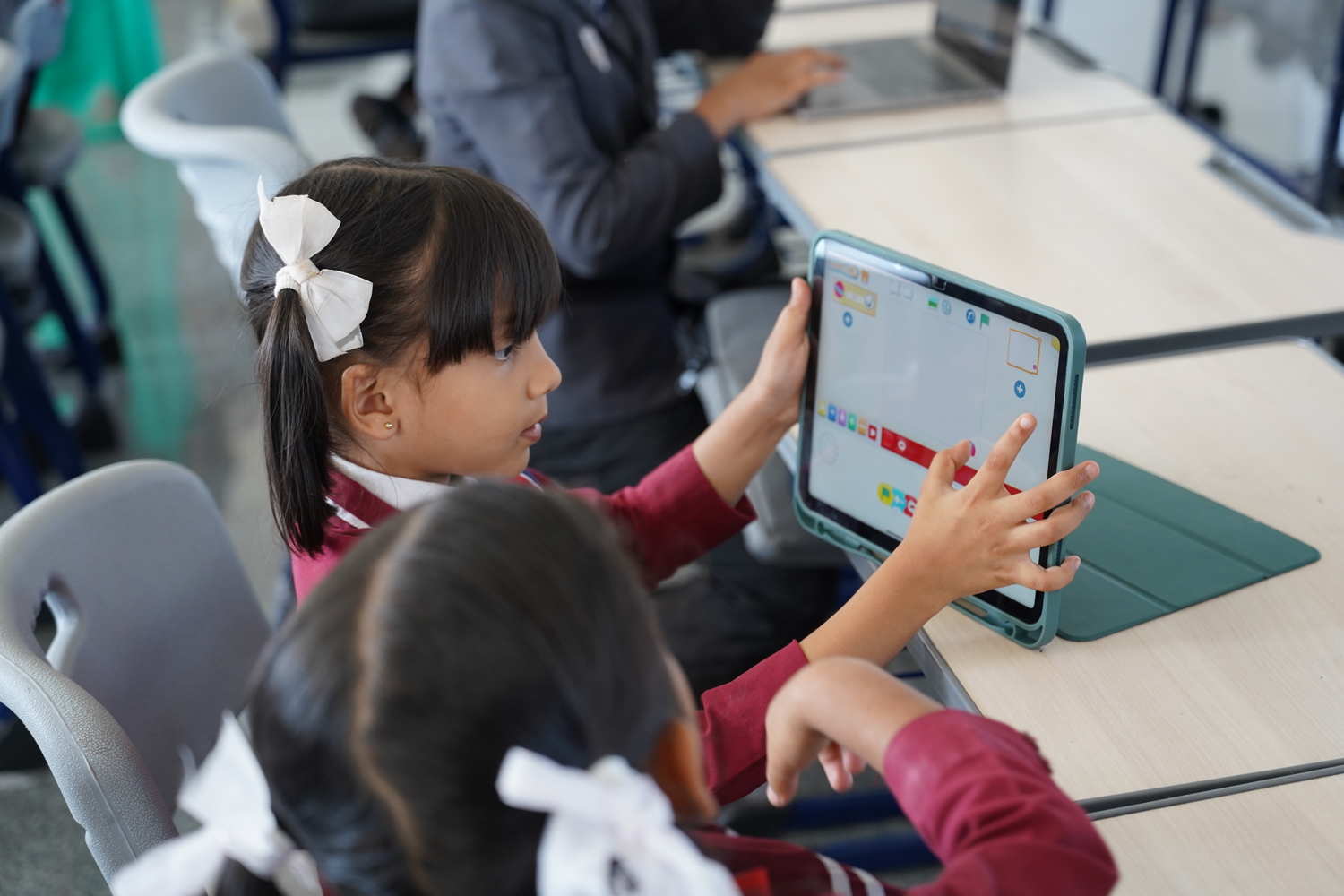
Most computer labs hit the same wall. Thirty students, eighteen working machines, three applications for three grade levels. A coding platform for schools built for this changes the maths entirely.
The Problem a Coding Platform for Schools Actually Solves
It solves fragmentation. Python for one grade, Scratch for another, HTML for a third, each needing separate installation and troubleshooting.
A single browser-based coding platform for schools removes that fragmentation. Python, HTML, CSS, JavaScript, Scratch, Scratch Junior, SQL, and MIT App Inventor all sit inside one login. So does micro:bit programming for the robotics side.
Why Does Browser-Based Access Matter So Much?
Because school labs rarely have identical machines, and IT teams rarely have spare hours. A browser-based coding platform for schools sidesteps this entirely.
It runs on Windows, macOS, Linux, Android and iOS with zero setup. A student who was absent picks up the exact same environment from home. Without a shared platform, missing one session can feel like restarting from scratch.
What Is the "Smart AI Teacher" Feature?
An automated instructional layer, not a replacement for the actual teacher. Cyber Square's platform includes a feature called Smart AI Teacher. It personalises how a lesson gets delivered to each student, per the platform's own product listing.
That's a step most coding platforms skip. Many stop at automatic marking, leaving lesson delivery identical for every student, fast or slow. Smart AI Teacher adjusts delivery itself, not just the grade at the end.
That matters most in mixed-ability classrooms. A student moving faster than the rest of the class can get extension material automatically. The teacher doesn't have to build that material separately. One falling behind gets simplified explanations without singling them out in front of peers.
How Marking Should Actually Work
Marking should happen the moment a submission arrives, not days later. Manual marking is the single biggest reason coding lessons quietly get shorter over a term.
A coding platform for schools with AI evaluation changes this directly:
- Assignments get marked the moment they're submitted
- A dashboard shows exactly where each student is struggling
- Teachers get instant reports instead of a pile of notebooks
- Worksheets can auto-generate before class even starts
A recent industry survey found that teachers spend an average of 9.9 hours a week on marking, with 95% forced to take that work home.
What Does This Look Like for a Struggling Student?
A student stuck mid-assignment shouldn't wait until next class to get help. A coding platform for schools with a built-in AI assistant can debug an error the moment confusion happens. It can also explain a concept or answer a direct question about the code on screen. That happens instantly, not after the lesson ends.
Does It Actually Solve the Limited-Device Problem?
Yes, directly. Most schools lack one working device per student. A browser-based platform lets students rotate through fewer machines without losing progress.
Work saves automatically between sessions. The next student on a shared machine never overwrites another student's file. High-achieving students who finish early can get harder, optional projects instead of waiting idle.
Is the Underlying Infrastructure Actually Trustworthy?
It should be, and this is where most platforms go unchecked. Cyber Square is a Qualified Software Partner of Amazon Web Services. Its platform has cleared AWS's Foundational Technical Review, covering security, reliability, and operational standards.
Proof beats a claim. Cyber Square runs its AI Cloud Lab across more than 500 partner schools spanning three regions. Those figures come straight from the platform's own published numbers. It's real, daily classroom load across many schools at once, not a single staged demo.
What Happens to a Student's Work When a School Switches Providers
This question rarely gets asked before signing, and it should. A platform that locks student work into a proprietary format leaves a school stuck if the relationship ever ends.
Cyber Square's AI Cloud Lab is built around shareable student portfolios and capstone projects. That design carries student work forward. It doesn't disappear behind a login if a school ever switches providers.
What Support Exists Once a School Has Fully Onboarded?
Setup is only the first month. A platform that goes quiet after onboarding leaves a school stuck the first time something breaks. Cyber Square backs the AI Cloud Lab with free, off-site teacher training. Staff who complete it also earn UK-recognised continuing professional development certification.
That ongoing layer matters more than the initial setup call most providers offer. A school evaluating a platform should ask what training support looks like in month four, not just week one.
How the Platform Handles Learning from Home
The same login, the same environment, no re-setup. A student who missed a lesson due to illness picks up exactly where the class left off. The platform lives in the browser, not on one specific school machine.
That continuity matters more during exam preparation. A student revising a Python project at home sees the same interface and the same saved files. They get the same marking feedback they'd get in the computer lab.
What Does a Teacher Actually See on the Dashboard?
Not just a pass or fail mark. A useful dashboard shows which specific concept a student is struggling with. Getting a question wrong isn't the same thing.
Cyber Square's AI Cloud Lab breaks marking down to the concept level. A teacher can see, at a glance, whether a class-wide gap sits in loops, conditionals, or functions. That level of detail is difficult to replicate with a spreadsheet of manually recorded grades.
Why Concept-Level Marking Changes Lesson Planning
Because a grade alone doesn't tell a teacher what to teach next. A class averaging 70% on an assignment could be failing for a dozen different reasons. A single percentage hides every one of them.
Concept-level data changes what a teacher does the next morning:
- A whole class stuck on loops gets a re-teach session before moving on
- One student stuck on syntax, not logic, gets a different kind of help
- A teacher planning next week's lesson can see exactly where to start
- Parents asking about progress get a specific answer, not a vague one
That specificity is what separates a marking tool from an actual teaching aid.
Platform Capabilities At a Glance
Specifications matter more than a features page full of adjectives:
| Capability | Specification |
| Languages supported | Python, HTML, CSS, JavaScript, SQL |
| Block-based tools | Scratch, Scratch Junior |
| App-building tools | MIT App Inventor |
| Hardware programming | Micro:bit |
| Marking turnaround | Same day, AI-evaluated |
| Scale in daily use | 500+ schools running the platform |
| Cloud partner status | AWS Qualified Software Partner |
| Data portability | Shareable student portfolios |
What Should a School Actually Look For?
Five specific features to check before choosing a platform:
| Feature | Why It Matters |
| Multi-language support in one login | Removes separate installs per grade |
| AI-powered evaluation | Marking happens same-day, not same-week |
| Runs on any device or OS | No IT bottleneck across mismatched hardware |
| Built-in AI chatbot support | Students get unstuck without waiting |
| Reviewed cloud infrastructure | Data security isn't just a provider's claim |
How a Built Platform Compares to Free Tools Stitched Together
Free tools look cheaper until marking and support are added up.
| Factor | Free Tools Stitched Together | Cyber Square |
| Setup per grade | Separate installs, separate logins | One login, all languages |
| Marking | Manual, teacher-dependent | Same-day, AI-powered |
| Infrastructure review | Unverified | AWS Foundational Technical Review passed |
| Personalised support | None | Smart AI Teacher, built into the platform |
| Ongoing training | None | Free off-site training, UK-recognised CPD certification |
How We Built Ours
Our AI Cloud Lab is exactly this kind of coding platform for schools. Python, HTML, CSS, JavaScript, Scratch, Scratch Junior, SQL, and MIT App Inventor all sit inside one browser login. So does micro:bit programming. We designed it to solve the device shortage computer labs face, not add to it.
What Should Actually Trigger a Platform Switch?
Not every complaint means a school should switch providers. But three signals usually do:
- Marking consistently takes longer than a day to return results
- The platform can't run the languages a grade actually needs
- Support requests go unanswered for more than a school week
A platform failing on all three is costing real teaching time. That cost usually outweighs whatever switching itself would take.
Try It in Your School
Cyber Square built a browser-based coding platform to eliminate device shortages, software fragmentation, and marking bottlenecks. Request a guided walkthrough to see how the complete K–12 coding ecosystem works for your school.