

A successful program needs four things before the first lesson:
- A graded hardware plan
- Trained teachers
- A marking system
- A reason for students to keep going
Skip any of these and a robotics curriculum for schools fades into an occasional workshop.
Most schools don't fail because the idea was wrong. They fail because they bought kits first and worked backward.
Where Do Most School Robotics Programs Actually Go Wrong?
Two mistakes account for most failed programs:
- Buying hardware first. Deciding what to buy before deciding who teaches it or how it's marked turns a robotics curriculum for schools into one teacher improvising with whatever kit arrived first.
- Treating robotics as a one-term novelty. A program students see once a year never builds real skill.
Step 1: Decide the Grade-by-Grade Hardware Path First
Map out what each age group builds before ordering anything. This decision happens on paper, not in a shopping cart.
Start with the youngest grade band a school plans to teach. Younger students need hardware that's cheap to replace and hard to damage permanently. Pair that with a coding tool that doesn't require typing. As the grade band rises, both the hardware and the coding language should get more demanding. That matches what students can actually handle without frustration.
Deciding this order first prevents a common trap. Buying advanced kits for students who aren't ready wastes budget. So does leaving older students on beginner hardware.
Step 2: Source Hardware From the Manufacturer, Not a Reseller
Kit quality traces back to the manufacturer, not the reseller. Cyber Square's hardware sourcing includes a direct relationship with ELECFREAKS, a STEM hardware maker. That relationship was built through an in-person production visit, not a catalogue order.
Most curriculum providers never see a factory floor. They resell whatever a distributor stocks that month, with no say over quality control or restock timing. A school rarely gets this kind of visibility on its own, and fewer providers bother to get it either.
Step 3: Choose Builds That Solve a Real Problem
Pick builds that produce a visible result, not just working code. A good test: can a student explain what the build does to someone who's never seen it?
That filter rules out a lot of generic circuit-board exercises. A build tied to a real use holds a student's attention through the frustrating debugging middle part. Something that switches on, moves, senses, or responds works better than an abstract wiring demo with no clear purpose.
A robotics curriculum for schools built around real problems holds interest longer than generic circuit demos.
Step 4: Train Teachers Who've Never Wired a Sensor
Assume zero background knowledge from the teacher, not just the student. Most schools don't have a spare engineer in the staff room.
What actually works:
- A build instruction sheet for every project, not a general overview
- Training held before term starts, not squeezed in mid-year
- Reference videos for the builds that trip students up most
- A guide written for teachers who've never done this before
Skip this and the whole program depends on one teacher staying forever.
How Long Does It Realistically Take to Launch?
Not a full-school rollout in week one. A realistic first term covers one or two grade bands. Teacher training should finish before students see any hardware. Expanding every grade at once tends to overwhelm both staff and IT support before the term even settles in.
A phased launch gives a school room to fix small problems, one grade band at a time. That's easier than scaling mistakes across the whole timetable at once.
What Should the First Term's Budget Actually Cover?
Hardware is only one line item, and often not the largest one. A realistic first-term budget covers:
- Kits for the pilot grade band, sized to actual class numbers
- Teacher training as a scheduled line item, completed before day one
- A marking subscription that covers the full academic year, not a trial period
- A contingency line for replacement parts, since student builds break parts
- Time allocated for a mid-term review before committing to a wider rollout
Schools that budget only for kits tend to run out of runway the moment training or support costs surface.
Step 5: Solve Marking Before It Becomes a Bottleneck
Automatic marking removes the single biggest cause of program collapse. A teacher grading thirty write-ups by hand loses hours every week.
Marking tied to the coding platform gives same-day visibility into student progress. Without it, a robotics curriculum for schools gets quietly deprioritised the moment a teacher's workload spikes.
Step 6: Build in a Reason to Keep Going
Add layers beyond the core lesson to keep momentum. Programs that end at one graded assignment lose interest fast.
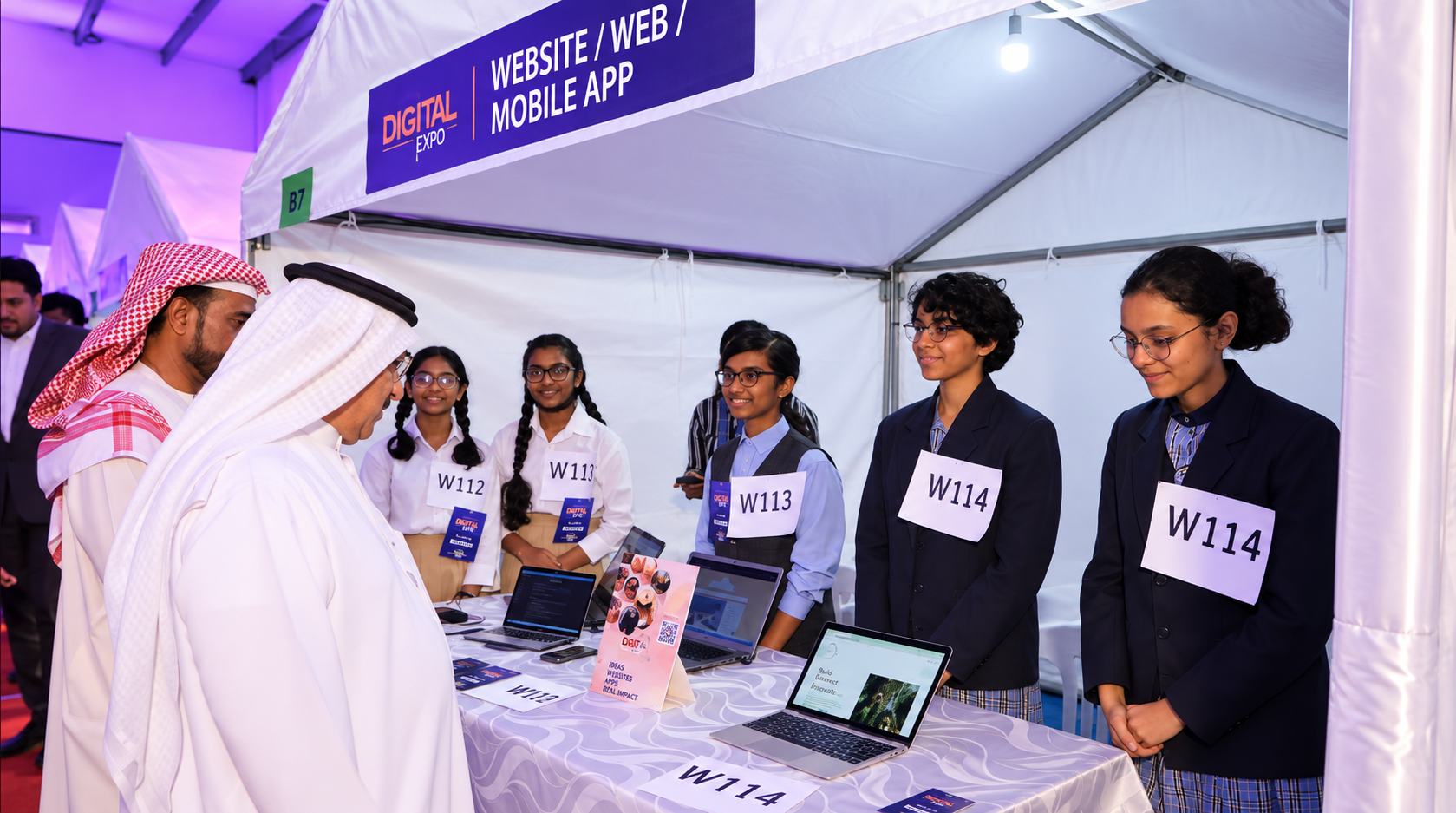
A school-level showcase doesn't need to be elaborate to work. Picture an after-school demo evening, where students present builds to parents and younger students. That gives a robotics curriculum for schools a visible finish line, without needing a national event to justify it.
That scale didn't happen from a single lucky term. Growth to over 500 partner schools shows the model has been tested and repeated. That's per Cyber Square's own published figures. It wasn't run once and photographed.
Globally, WRO tournaments run in over 95 countries with 70,000-plus students each year. FIRST LEGO League reached over 650,000 students across 77 countries in its 2024-25 season. That scale exists because students who build toward a visible event stay engaged longer.
Step 7: Keep Parents and Leadership in the Loop
Simple updates keep a program visible and defensible at budget time. A program that only talks to students eventually loses institutional support.
Jargon-free parent updates and dashboard-level reporting for leadership both help.
What Does a Trustworthy Provider Actually Disclose?
A provider confident in its own record answers these without hedging:
- What's included in the base price, and what costs extra once the term starts?
- Is there a minimum contract length, or can a school pilot one grade first?
- What happens to the program if the lead teacher leaves mid-year?
- Does marking still work when the school's internet connection is unreliable?
- Is the hardware path documented in writing, or does it live in one person's head?
A provider that hedges on more than one is asking a school to test an unfinished product for free.
What Does Budget Actually Buy in a Built Program?
A common objection is cost. But the comparison isn't kit price against kit price. A single school building this alone pays once for everything: hardware sourcing, curriculum design, teacher training, and marking infrastructure. No one else shares that cost.
A built program spreads that cost across a much larger base. Cyber Square's own figures put its current reach at over 500 partner schools. That footprint spans India, the UAE, and the wider Middle East. It's why the per-school price rarely matches the actual engineering behind it.
The Seven Steps at a Glance
Read together, the steps above map onto a single school-year timeline:
| Step | Focus | Typical Timing |
| 1 | Grade-by-grade hardware path | Before term starts |
| 2 | Manufacturer-sourced hardware | Before term starts |
| 3 | Real-problem builds | Curriculum design phase |
| 4 | Teacher training | Before the first lesson |
| 5 | Automatic marking | Live from week one |
| 6 | Showcase and competitions | Mid-year onward |
| 7 | Parent and leadership updates | Ongoing, every term |
A program attempting all seven without outside support usually front-loads two years into a single scramble right before the academic year starts. Spreading the load across a full year keeps a program alive past its first graded assignment.
Do-It-Yourself vs a Built Program: What's the Real Gap?
The difference isn't ambition. It's what's already been tested at scale.
| Component | Building It Yourself | Cyber Square |
| Hardware sourcing | Reseller catalogues, guesswork | Direct manufacturer relationships |
| Teacher training | Ad hoc, one person's notes | Documented, repeatable guides |
| Marking infrastructure | Manual, or unreviewed tools | Automatic, AI-powered marking |
| Showcase for finished work | None | Regional and after-school student showcases |
| Outside confirmation | Nothing beyond the provider's own word | Growth confirmed across 500+ schools |
| Time to first working term | 1-2 years of trial and error | One term |
How We Approach This
This structure is exactly what Cyber Square's own robotics curriculum for schools was built around. Kits scale progressively from micro:bit to Arduino, and through to Raspberry Pi and IoT, sourced directly from manufacturers visited in person.
Lesson plans are written for non-specialist teachers, with automatic marking through our AI Cloud Lab. Every build gets a stage in front of peers and parents, not just a grade in a spreadsheet.
Where to Begin
The gap between an idea and a running robotics program doesn't require years of trial and error. A clear hardware path and a single term of teacher training cover most of it. Book a live demo to see how the AI Cloud Lab simplifies implementation for your school.